
The first Contribution, GNOME & GSoC

Artist : anonymous
Well, why the ants ? Think teamwork, think team effort, interdependent efforts, voluntary involvement, the easy stuff, the hard stuff, the small and the large stuff, they all do it together, collectively and end up making what all of us call an ant-hill.
Well enough said about ants ! You get where I am going !
This post is about how I came to contribute to an open-source project, got started on a journey I had been looking forward to since ever.
Departure From Windows : My Interest in open-source technologies was spiked when I attended an open-source talk given by Farhaan Bukhsh (from Dgplug) at a tech-club meet in college.) I went straight home and dual-booted my laptop with fedora-linux along side windows (_.).
Kindling my Inner Geek : As time went by I was introduced to bash, My interest was growing in the command line with time, and like I always wanted I started exploring open-source projects.).).), and was going towards system administration (thinking it’ll enable me to understand large code-bases better)_.
Enter Interviews : When asked in an interview, “What would you want to do in future?”, I answered I want to become an open-source developer some day ! Since at the time I had no experience in open-source sofware as a developer, The Interview went bad and I got Rejected !
Enter GNOME : Since I had some experience in getting my hands dirty in linux with help from geeks on IRC, I didn’t have any troubles using IRC.), I pitched it in the #nautilus chat room and there I met António Fernandes ( .) who warmly welcomed me to the group and discussed with me about the Idea.
Hacking On Nautilus
To start with there are some bare essentials anyone trying to get into open-source should introduce themselves with (basics are good to go with, you learn as you work more with it !), like git, and having a general interest in how things work !
Setting Up the Environment :-
(You cam also refer GNOME Newcomers Guide )
- Install flatpak
- Install GNOME-Builder
- Fork the nautilus project from GNOME-gitlab
- Clone your Fork
- Open the Project in Builder and hit Build
Exploring GNOME : I spent the following days reading up about developing for GNOME, and trying out and experimenting with Gnome Libraries on my system so that I could understand what I was going to do later on.
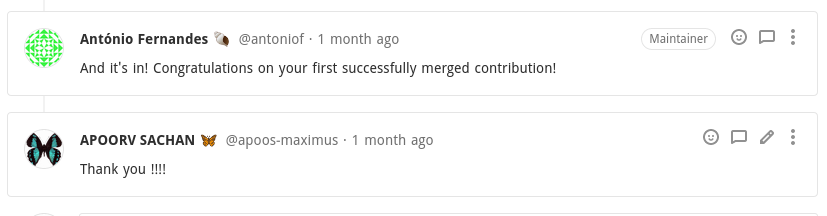
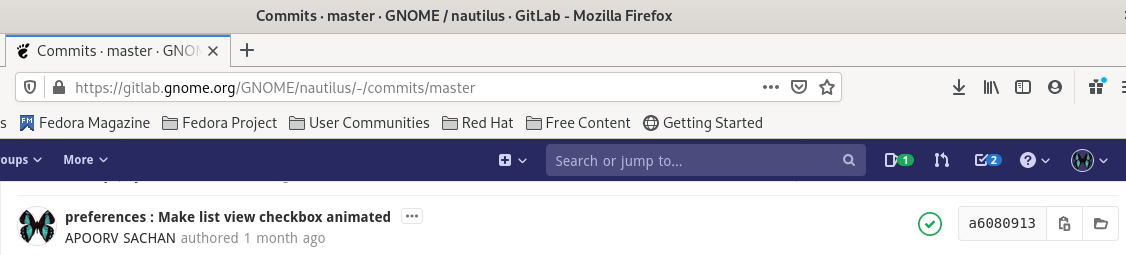 and Voila! I had made my first successfull contribution.
Enter GSoC
GSoC results got announced and I had been lucky enough to get selected.), this summer.
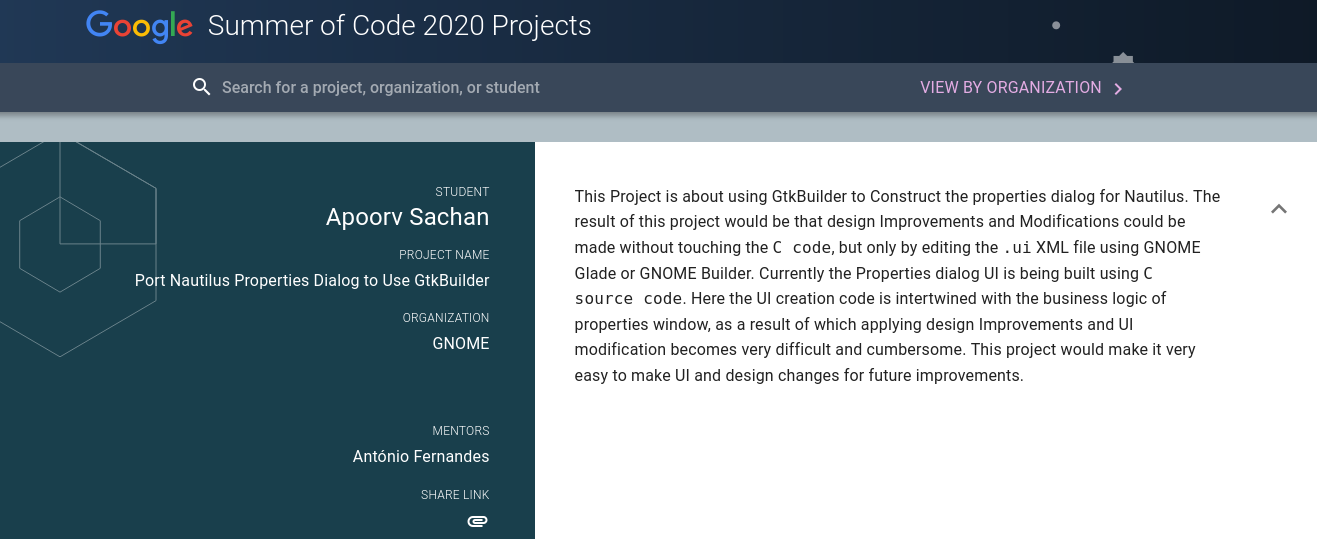
Right now the Community Bonding Period is under-way, where students and mentors from around the world get to know each other.

All in all, this has been my journey so far, and my take away from it is that rejections don’t define us ! It’s our interest, curiosity, and belief that matters, and in the end everything will be worth it ! Looking forward to more amazing times in the GNOME community and GSoC ! Congratulations to all the fellow GSoC ‘ers 2020.